You haven't signed in yet, you can have a better experience after signing in
*Please complete the payment within {{receiveCouponInfo.expire_at}}Previous use*
You haven't signed in yet, you can have a better experience after signing in



Activity Rules
1、Activity time:{{ info.groupon.start_at }} ~ {{ info.groupon.end_at }}。
1、Activity time:cease when sold out。
2、Validity period of the Group Buying:{{ info.groupon.expire_days * 24 }} hours。
3、Number of Group Buying:{{ info.groupon.need_count }}x。
Please Pay Attention
1、Teamwork process: Join/initiate a Group Buying and make a successful payment - Within the validity period, the number of team members meets the activity requirements - Group Buying succeeded!
2、If the number of participants cannot be met within the valid period, the group will fail, and the paid amount will be refunded in the original way.
3、The number of people required and the time of the event may vary among different products. Please pay attention to the rules of the event.
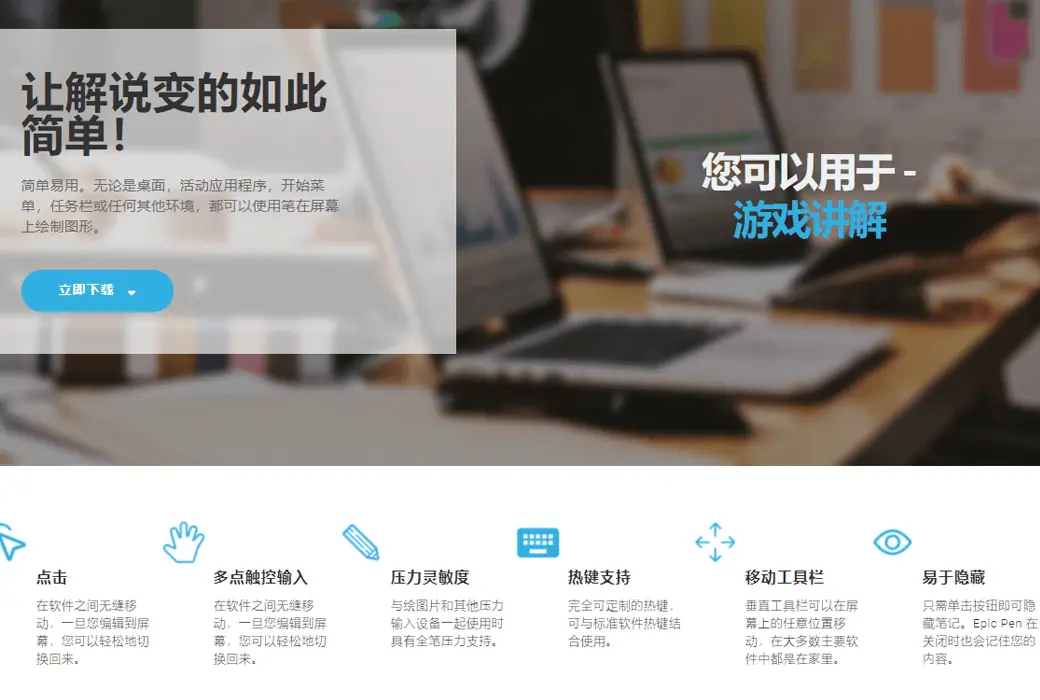
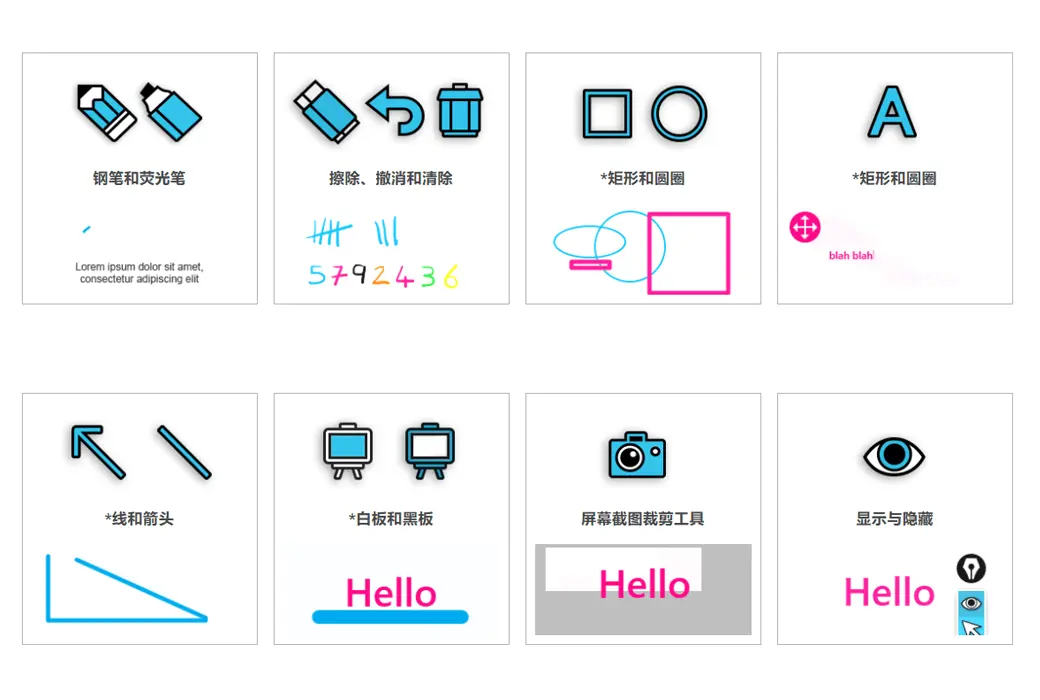
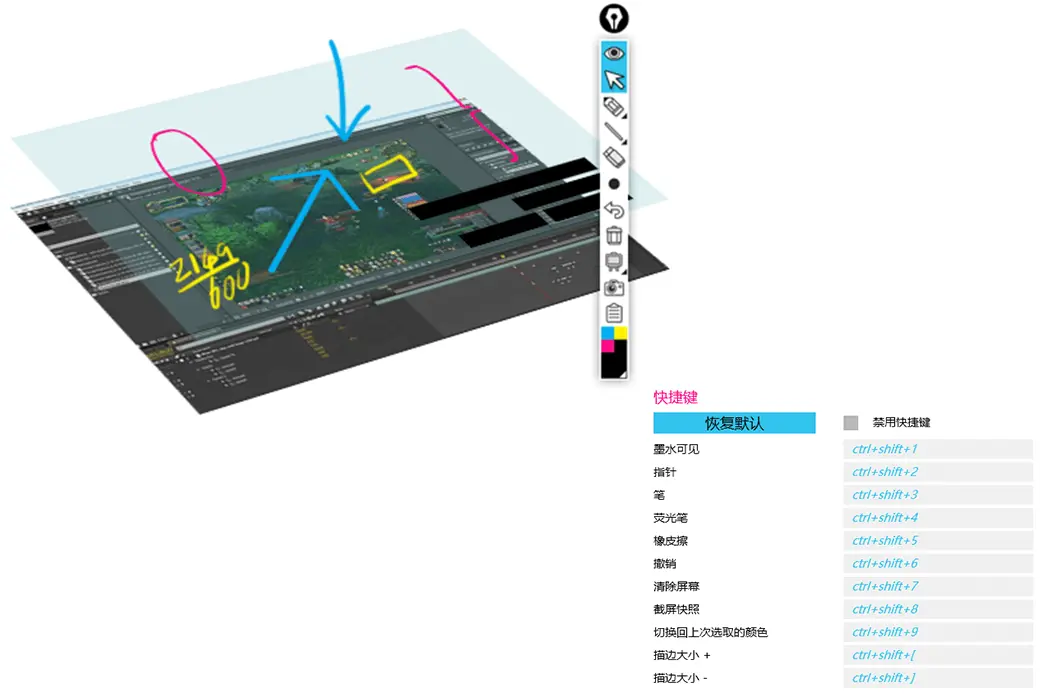
Epic Pen is a screen marking tool that allows you to operate directly on the screen. It has two modes: pencil and highlight, making it easy to use. Whether it's the desktop, active applications, start menu, taskbar, or any other environment, you can use a pen to draw graphics on the screen.
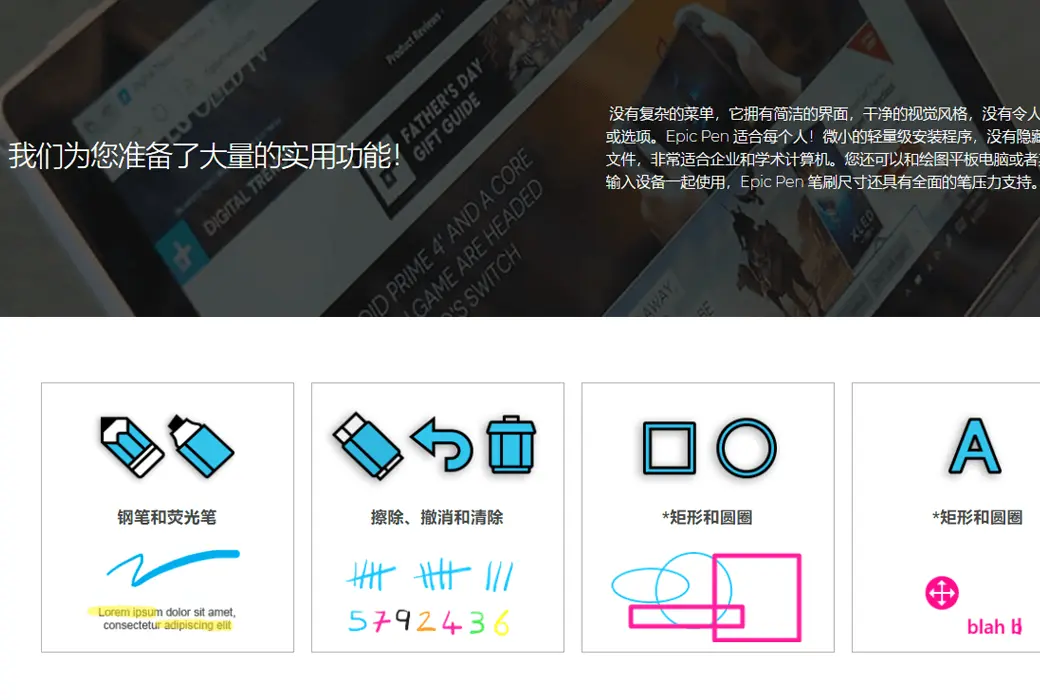
The Epic Pen does not have a complex menu, it has a simple interface, clean visual style, and no confusing buttons or options.
Epic Pen is suitable for everyone! A small and lightweight installation program with no hidden junk files, perfect for enterprise and academic computers.
You can also use it with a graphics tablet or other pressure input device, and the Epic Pen brush size has comprehensive pen pressure support.
Applicable industries
Annotate any file
Make your video conferences, online meetings, and presentations stand out by displaying real-time information directly on the screen.
Annotate your textbooks in a fun and attractive new way, compatible with most major interactive whiteboards, perfect for online tutoring and videos.
Feedback and sketches
Exquisite support tools for animators, graphic designers, 3D artists, and more! Easily draw 3D, animation, and creative studios.
Carefully designed
No subscription/Lightweight installation/Easy to use
Seamlessly move between software, once you edit to the screen, you can easily switch back.
The ultimate companion for touch enabled devices, including interactive whiteboards and Windows tablets.
It has full pen pressure support when used with picture drawing and other pressure input devices.
Fully customizable hotkeys that can be used in conjunction with standard software hotkeys.
The vertical toolbar of Epic Pens can be moved anywhere on the screen, and in most major software, it is at home.
Just click the button to hide the notes. Epic Pen will also remember your content when closed.
hold-all
Official Website:https://epic-pen.com
Download Center:https://epic-pen.apsgo.cn
Delivery Time: Automatic delivery within 24 hours
Operating Platform: Windows, macOS
Interface Language: Supports Chinese interface display, with multiple languages available.
Update Instructions: Subscription version: Use and updates during the subscription period.
Trial Before Purchase: A limited-function free version is available for use before purchase.
How to Receive the Product: After purchase, activation information will be sent to the email used for ordering. Additionally, the corresponding product activation code can be viewed in the personal center, under "My Orders".
Number of Devices: Can be installed on 1 computer.
Changing Computers: Uninstall on the original computer and activate on the new one.
Activation Guide: To be added.
Special Instructions: To be added.
References:https://epic-pen.com/#download

Any question

Hello, official download:https://epic-pen.com/#download